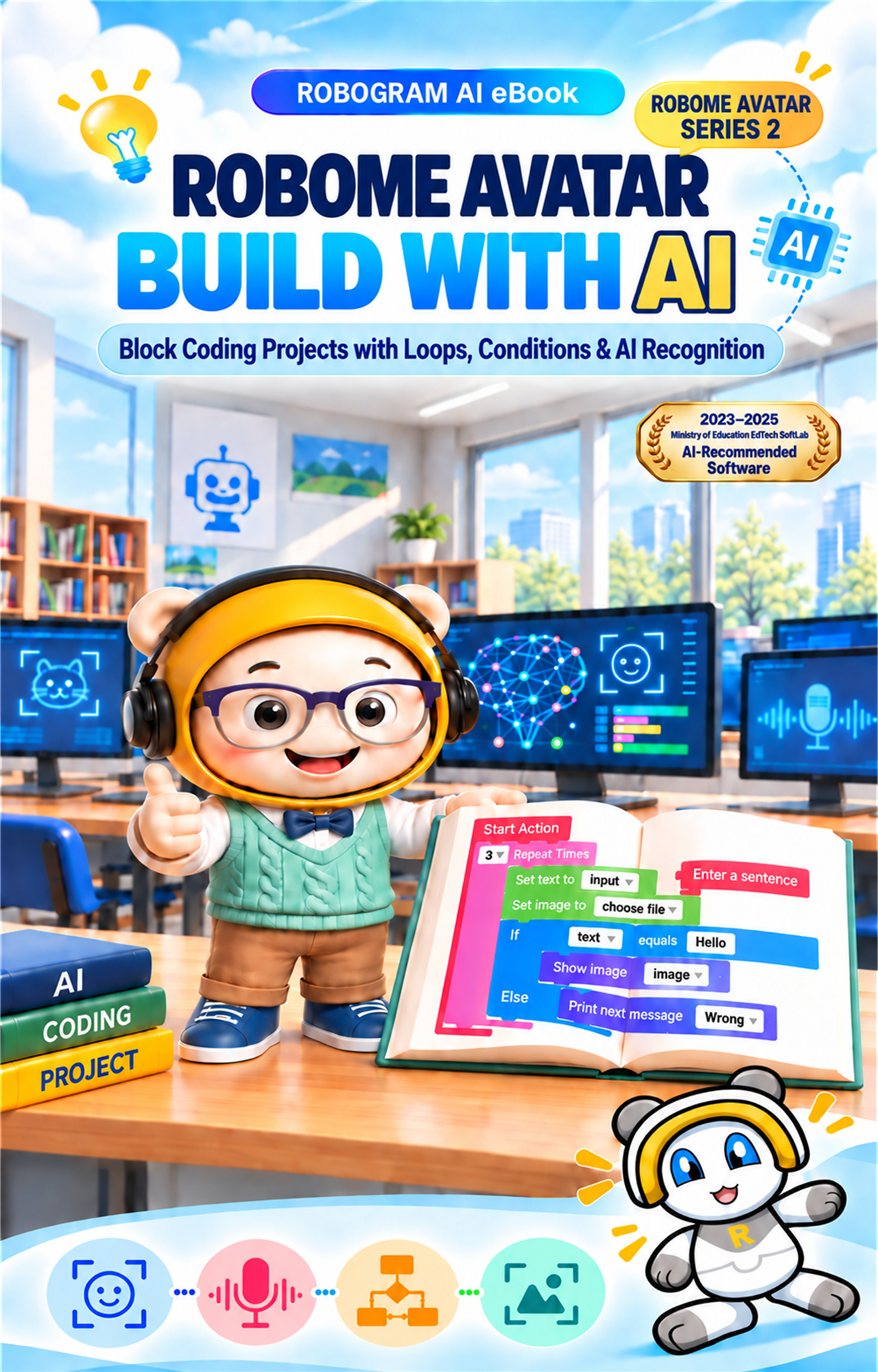
Robome Avatar Apply AI
ROBOME AVATAR SERIES 03

Robome Avatar Apply AI

AI application projects completed through varied examples

Building on the recognition concepts in Volume 1 and the coding projects in Volume 2, students complete 20 applied projects that evaluate results and connect multiple AI features.

LevelApplied and advanced projects
Format5 units · 20 examples
AudienceStudents ready after Volumes 1 and 2
MethodAnalyze · Design · Integrate
LEARNING DESIGN

Evaluate AI results and connect multiple features

Students use recognition accuracy, counts, timing, and voice commands as conditions, then connect face, object, expression, and movement features in one algorithm.

01

Result evaluation

Calculate counts and accuracy, then classify the result.
02

Responsive avatars

Change images and messages using face and expression results.

03

AI missions

Find a target object and evaluate mission success.

04

Feature integration

Connect face, object, and movement features to voice commands.

BOOK PREVIEW

Representative Volume 3 projects

These project flows define the input, decision, and execution stages for the planned Volume 3 curriculum.
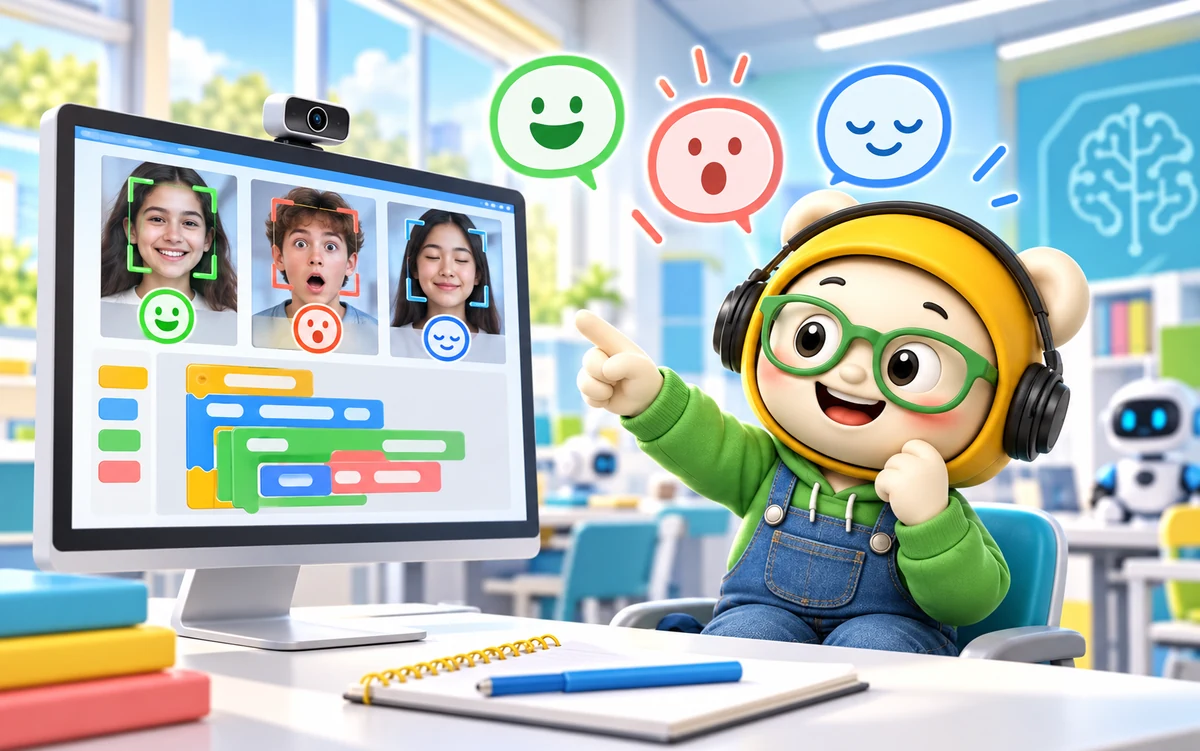
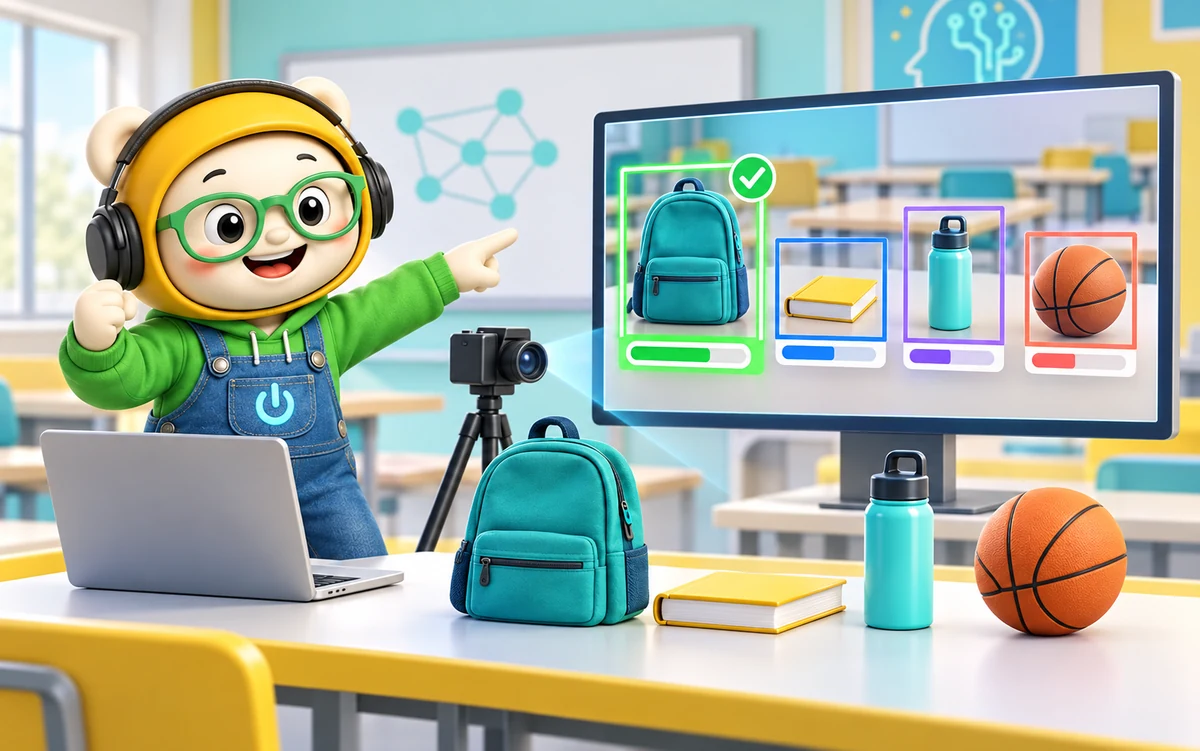
Expression-responsive avatar
PROJECT 01Expression-responsive avatar
  1. Recognize an expression
  2. Evaluate the recognition result
  3. Select a face image and message
  4. Display the updated avatar
Expression recognition drives an avatar response through conditional logic.
Object search mission
PROJECT 02Object search mission
  1. Enter a target object
  2. Recognize objects with the camera
  3. Compare accuracy with the target
  4. Show success or try again
Input, repetition, and recognition accuracy combine in a game-like mission.
Voice command menu
PROJECT 03Voice command menu
  1. Capture a voice command
  2. Classify the command
  3. Select face, body, or hand feature
  4. Run the selected AI feature
A final project organizes several AI features under one voice-controlled menu.

The representative projects form a proposed Volume 3 curriculum based on Robome Avatar features used in Volumes 1 and 2.

CONTENTS

Volume 3 contents

Twenty examples progress through result evaluation, responsive avatars, object missions, voice interaction, and integrated AI projects.

UNIT 1 Evaluating AI Recognition Results

  1. 01Compare Successful and Failed Face RecognitionsApplied
  2. 02Calculate Face Recognition Accuracy and Display a LevelApplied
  3. 03Classify Results by Object Recognition AccuracyApplied
  4. 04Find the Highest Recognition Result Among Several ObjectsAdvanced

UNIT 2 Avatars That Respond to Faces and Expressions

  1. 05Change the Face Image and Message by ExpressionApplied
  2. 06Give Guidance Based on Mask-Wearing StatusApplied
  3. 07Change the Avatar Level by Face Recognition CountAdvanced
  4. 08Apply a Timed Mask Using Recognition ResultsAdvanced

UNIT 3 Building Object Recognition Missions

  1. 09Enter and Recognize a Target ObjectApplied
  2. 10Build an OX Quiz with Object Recognition ResultsApplied
  3. 11Show Success When Accuracy Reaches the TargetAdvanced
  4. 12Find a Target Object Within a Limited Number of AttemptsAdvanced

UNIT 4 Interacting with Voice

  1. 13Classify Voice Commands and Run a MenuApplied
  2. 14Combine Voice Commands with Expression RecognitionAdvanced
  3. 15Build a Speech Recognition Chatbot for Multiple QuestionsAdvanced
  4. 16Select Face, Body, or Hand Features with Voice CommandsAdvanced

UNIT 5 Integrated Robome Avatar Projects

  1. 17Start a Body Movement Mission After Face RecognitionProject
  2. 18Confirm Object Recognition Results by VoiceProject
  3. 19Build a Personalized Avatar That Responds to Expression and VoiceProject
  4. 20Build a Final Mission Connecting Face, Object, and Speech RecognitionProject
BOOK INFORMATION

Book information

Series
Robome Avatar Series 3
Book type
Applied AI project textbook
Course size
5 units · 20 examples
Environment
Robome Avatar desktop app
Recommended for
Learners who completed Volumes 1 and 2 or equivalent study
Core topics
Accuracy, expression response, object missions, voice interaction, and AI integration

Sales fields such as price, ISBN, and publication date can be added in the store product form.
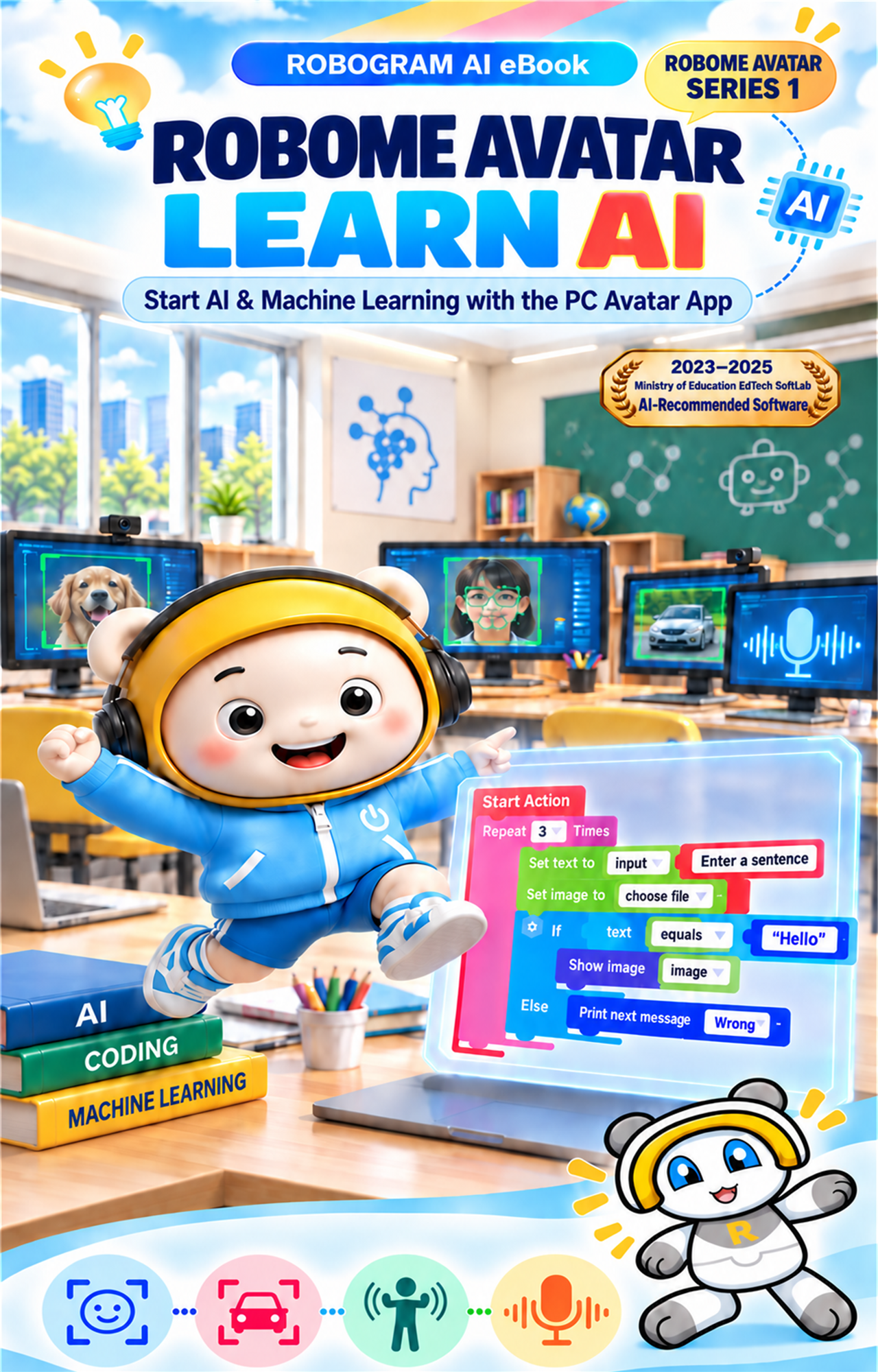
ROBOME AVATAR SERIES

A three-volume path from learning to application

Robome Avatar Learn AIVolume 1Learn AI
Robome Avatar Build with AIVolume 2Build with AI
Robome Avatar Apply AIVolume 3Apply AI